Core Commerce
If you don't already have a CartStack account, sign up here - https://www.cartstack.com/sign-up/
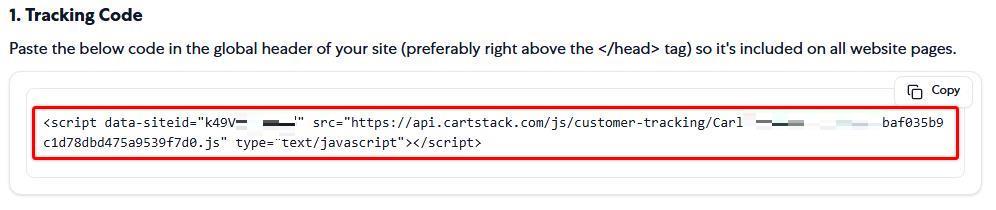
1. Log into your CartStack account and copy your unique tracking code from the code page.
- Next, log into your Core Commerce store admin. Then navigate to Design > Edit HTML/CSS in the main menu.

3. Next, under the "Edit HTML/CSS" section, use the file selector dropdown to select the "header.html" file.

4. From the file editing screen, paste your CartStack tracking code right ABOVE the "</head>" tag as seen in the below screenshot. Make sure to save the change by clicking the "Publish" button under "Publish to header.html."

5. Finally, go back to your CartStack code/setup page to finalize the setup. Enter the thank you / confirmation page URL of your store and then click "Review my integration."

A CartStack team member will review your site and email the account holder when the integration has been reviewed.